

When a single enquiry is reported multiple times, through email, phone, a Ward Councilor, and the Citizen App, it creates significant delays. These duplicates cause “double work” and confusion for our teams, especially during busy periods like recent flooding, as it isn’t always clear if a request is already being handled.
To help us stay efficient and fair, we ask residents to follow these simple steps:
1. CHECK BEFORE YOU LOG
Before submitting a new request on the Collab Citizen App, please check the map.
* Green Markers: These indicate that a service request has already been reported at that location.
* Follow the Request: Instead of logging a new one, click the marker to “follow” the existing request. You will automatically receive updates on its progress.
2. UNDERSTAND HOW WE PRIORITISE
* First Come, First Served: Under normal circumstances, we attend to requests in the order they are received to ensure fairness.
* Emergency Situations: During crisis, we prioritise life-threatening or potentially life-threatening situations.
* Important: Do not use the Citizen App to report life-threatening emergencies. Please use the emergency phone number found under the Emergency tab on the app.
3. TRACK YOUR PROGRESS EFFORTLESSLY
The Collab Citizen App is the best way to stay informed without needing to call for updates:
* Reference Numbers: You receive a reference number immediately upon reporting.
* Status Updates: You can see exactly when a task is “assigned” to a team or “scheduled” for work.
* Interactive Communication: The app notifies you of progress, and you can add comments or ask questions directly within the request.
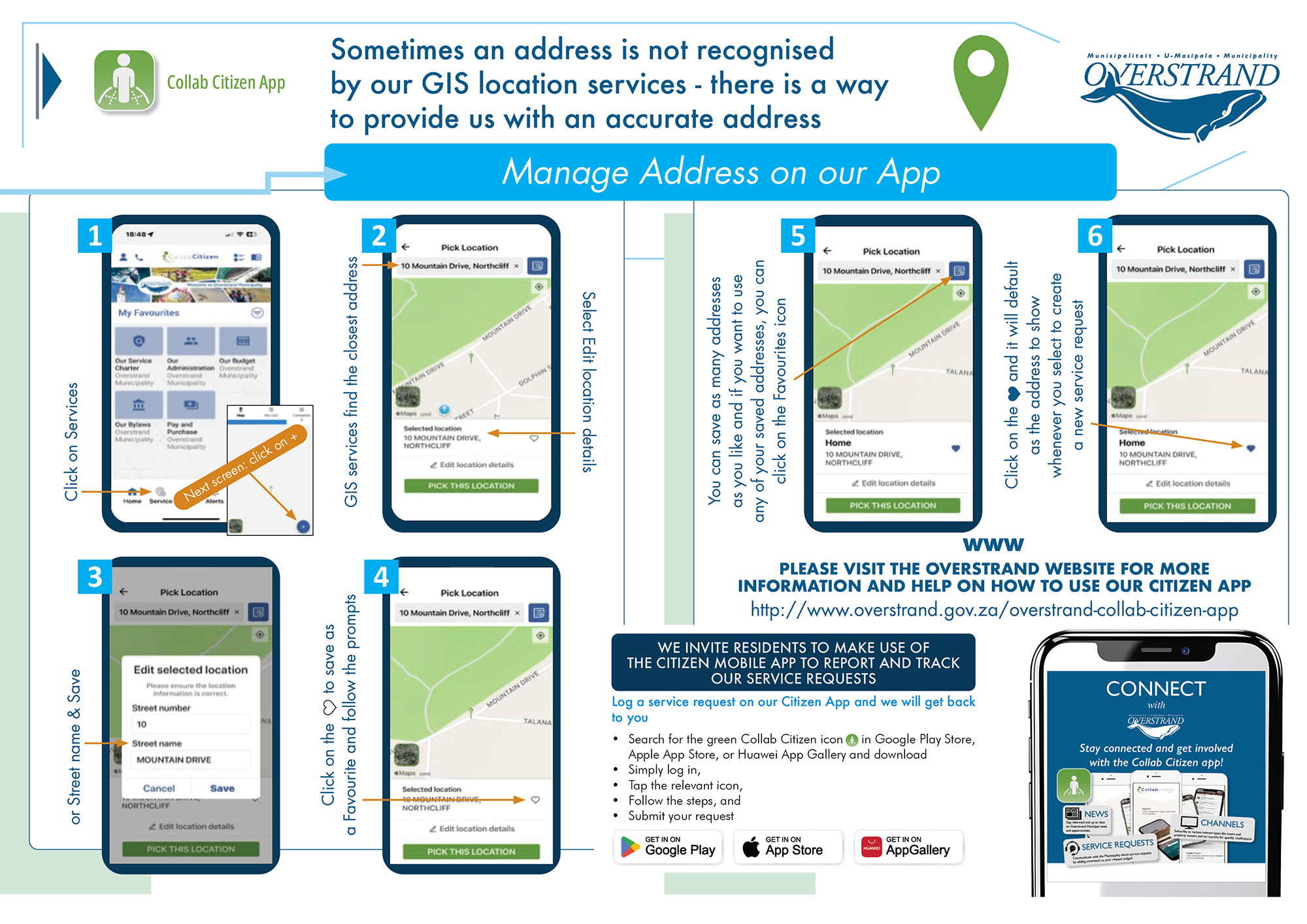
Ready to get started? You can find full instructions on how to download and use the app at: www.overstrand.gov.za/overstrand-collab-citizen-app.